
Reflexsat IPTV logo Reflexsat IPTV

Reflexsat IPTV App + Setup Guide

Stream Reflexsat IPTV on every major device — Smart TV, Amazon Firestick, Android, iOS, Mac, PC. Download our branded app or use any IPTV player below.

QUICK START

Reflexsat IPTV setup in 3 steps

From sign-up to streaming in under 10 minutes — no tech skills required.

Sign up for Reflexsat IPTV
1

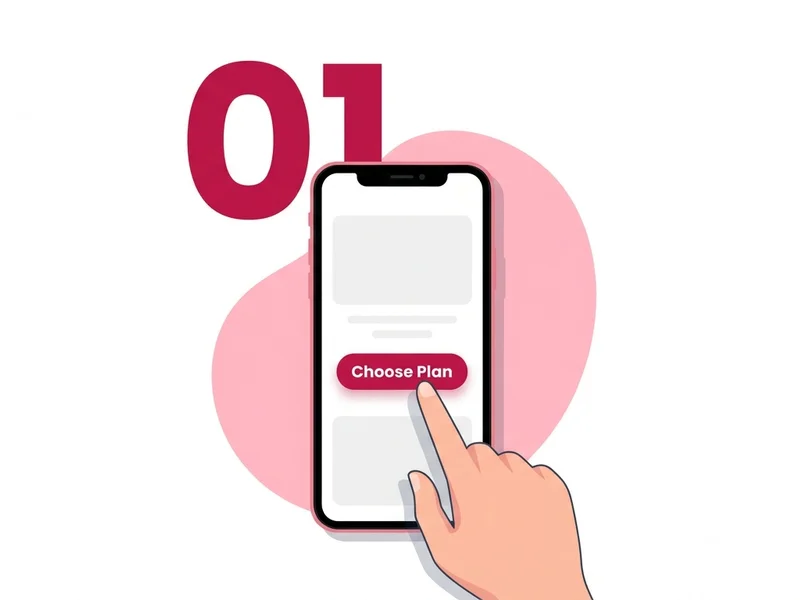
Pick a plan or start a free trial

Visit our pricing page or grab a 24-hour free trial. Activation is instant — your credentials arrive by email within minutes.
Install the Reflexsat IPTV app
2

Install the CatchON TV app

Download our branded APK on Firestick / Android, or use IPTV Smarters / Tivimate / Smart IPTV on iOS, Smart TVs, and other devices.
Sign in and start streaming Reflexsat IPTV
3

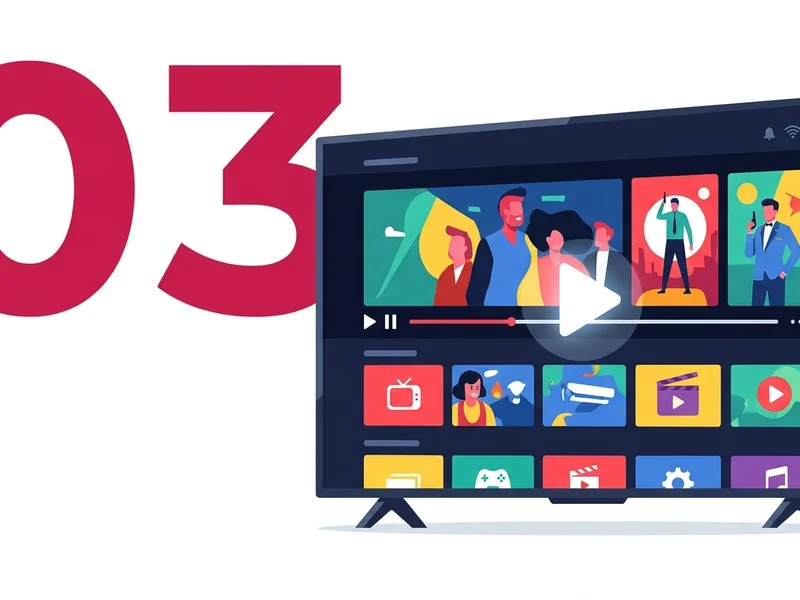
Sign in and start streaming

Enter the username, password, and M3U / Xtream URL we sent you. Browse 24,000+ channels and 120,000+ movies in 4K Ultra HD.

DEVICE GUIDES

Setup by device

Pick your device below for a 5-step walkthrough. Every guide uses the credentials from your activation email.

Amazon Firestick / Fire TV

  1. On your Firestick home screen, go to Settings → My Fire TV → Developer Options and enable Apps from Unknown Sources.
  2. Return to the home screen, search for Downloader, and install the free app by AFTVnews.
  3. Open Downloader and type the CatchON TV APK URL from your Reflexsat IPTV activation email, then press Go.
  4. When the download completes, click Install, then Open once installation finishes.
  5. Sign in with the username and password from your email — your channel list loads automatically.

Android TV / Box (Nvidia Shield, Mi Box, etc.)

  1. Open Settings → Device Preferences → Security & Restrictions and turn on Unknown Sources for your file browser.
  2. Install a file manager such as X-plore or FX File Explorer from the Google Play Store.
  3. In the file manager, paste the CatchON TV APK URL from your activation email and download the file.
  4. Tap the downloaded APK and choose Install. Confirm any system warnings.
  5. Launch CatchON TV, enter your Reflexsat IPTV credentials, and start streaming in 4K.

Android Phone / Tablet

  1. Open Settings → Apps → Special access → Install unknown apps and allow your browser (Chrome) to install APKs.
  2. Open Chrome and paste the CatchON TV APK URL from your activation email.
  3. When the download finishes, tap the notification or the file in your Downloads folder.
  4. Tap Install, then Open.
  5. Log in with your Reflexsat IPTV credentials — the app remembers your session for next time.

iOS (iPhone / iPad)

iOS does not allow APK side-loading, so we recommend GSE Smart IPTV:

  1. Open the App Store on your iPhone or iPad and install GSE Smart IPTV (free).
  2. Launch GSE Smart IPTV and tap the ≡ menu, then Xtream Codes API (or M3U URL).
  3. Enter a playlist name (e.g. "Reflexsat"), then paste the username, password, and server URL from your activation email.
  4. Tap Add — GSE will load your full Reflexsat IPTV channel list and EPG.
  5. Open any channel to start streaming. Use AirPlay to send the picture to a Smart TV if needed.

Smart TV (Samsung / LG)

  1. On your Samsung or LG Smart TV, open the app store (Tizen Store / LG Content Store) and install Smart IPTV (SIPTV).
  2. Launch SIPTV and note the MAC address shown on screen.
  3. From a phone or PC, visit siptv.eu/mylist and enter your TV's MAC address.
  4. Paste the M3U URL from your Reflexsat IPTV activation email and click Add link.
  5. Restart the SIPTV app on your Smart TV — your full channel list and EPG will load.

Windows / Mac

  1. Download IPTV Smarters Pro for Windows or Mac from the official site (iptvsmarters.com).
  2. Run the installer and launch IPTV Smarters Pro.
  3. Choose Login with Xtream Codes API.
  4. Enter any name (e.g. "Reflexsat IPTV"), then paste the username, password, and server URL from your activation email.
  5. Click Add User — your channels, movies, and series will load automatically in 4K.
COMPATIBLE PLAYERS

Other compatible IPTV players

Reflexsat IPTV works with every major IPTV player. Pick the one you prefer — your credentials stay the same.

IPTV Smarters Pro

Android · Android TV · Firestick · iOS · Windows · Mac

Tivimate

Android TV · Firestick · Nvidia Shield (premium recommended)

OTT Navigator

Android · Android TV · Firestick

Smart IPTV (SIPTV)

Samsung Tizen TV · LG WebOS TV

GSE Smart IPTV

iOS (iPhone / iPad) · Apple TV · Mac

Perfect Player

Android · Android TV · Windows

NEED HELP?

Troubleshooting common issues

Most playback hiccups have a 30-second fix. If these don't help, our support team is online 24/7.

Channels not loading?

If your channel list is empty or stuck on "Loading", first confirm your subscription is active by checking the activation email. Re-enter the username, password, and server URL exactly as written — they are case-sensitive. Restart the app, and if it still fails, switch from Wi-Fi to a wired connection or try another DNS like 1.1.1.1.

Buffering on a specific channel?

Buffering on one channel usually means a slow internet route, not a server issue. Run a speed test — you need at least 10 Mbps for HD and 25 Mbps for 4K. Switch the stream's video format inside the player (TS / HLS), enable hardware decoding, or restart your router. A VPN sometimes fixes ISP throttling on live sports streams.

Can't sign in to the app?

Double-check that you copied the credentials from the email without trailing spaces. Make sure the server URL starts with http:// (not https://) unless your provider note says otherwise. Reflexsat IPTV allows up to two simultaneous connections per account — if you're logged in elsewhere, sign out there first. Still stuck? Contact us and we'll reset your line in minutes.

EPG not showing?

EPG (the TV guide) can take 1–2 minutes to populate after the first login. Inside your IPTV player, open Settings → EPG and tap Refresh or Reload guide. If you used the M3U URL, switch to the Xtream Codes API instead — it pulls EPG automatically. Make sure your device's date and time are set to "automatic".

GOT QUESTIONS?

Our support team is here 24/7

From APK side-loading to EPG fixes, we'll get you streaming Reflexsat IPTV in minutes — not hours.